


In today's dynamic business landscape, the strategic deployment of multiple commercial LCD screens across a network has become a cornerstone for effective communication and brand promotion. As a seasoned Commercial LCD Screen supplier, I understand the intricacies and challenges that come with managing these digital assets. This blog aims to provide comprehensive insights into the best practices for managing multiple commercial LCD screens in a network, ensuring seamless operation and maximum impact.


Understanding the Basics of Networked Commercial LCD Screens
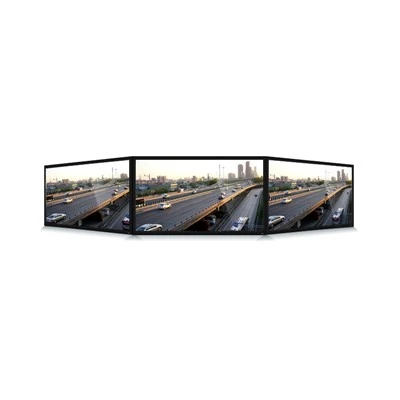
Before delving into the management strategies, it's essential to grasp the fundamental concepts of networked commercial LCD screens. These screens are not just standalone devices; they are part of a larger ecosystem that allows for centralized control and content distribution. Whether it's a Commercial LCD Screen in a retail store, a Digital Signage Window Display in a shopping mall, or a Standing Digital Screen in a corporate lobby, each screen plays a crucial role in conveying your message to the target audience.
The network infrastructure that connects these screens can be either wired or wireless, depending on the specific requirements of your business. Wired networks offer greater stability and security, making them ideal for large-scale installations. On the other hand, wireless networks provide flexibility and ease of installation, making them suitable for smaller setups or temporary deployments.
Centralized Management Software
One of the most critical aspects of managing multiple commercial LCD screens in a network is the use of centralized management software. This software acts as the control center for all your screens, allowing you to remotely manage content, schedule playlists, monitor screen performance, and troubleshoot issues in real-time.
When choosing a management software, look for features that align with your business needs. Some of the key features to consider include:
- Content Management: The ability to upload, organize, and distribute content across multiple screens with ease. This includes support for various file formats, such as images, videos, and PDFs.
- Scheduling: The option to schedule content playback based on specific dates, times, and locations. This allows you to create dynamic playlists that adapt to different audiences and events.
- Remote Monitoring: The capability to monitor the status and performance of each screen in real-time. This includes information such as screen health, connectivity, and playback errors.
- Analytics: The provision of detailed analytics and reporting tools to measure the effectiveness of your content. This includes metrics such as audience engagement, dwell time, and conversion rates.
Content Strategy and Optimization
Once you have the management software in place, the next step is to develop a content strategy that aligns with your business goals. Your content should be engaging, relevant, and visually appealing to capture the attention of your audience. Here are some tips to help you create effective content for your commercial LCD screens:
- Understand Your Audience: Conduct market research to understand the demographics, interests, and preferences of your target audience. This will help you tailor your content to resonate with them.
- Keep it Simple: Avoid cluttering your screens with too much information. Use clear and concise messages, high-quality images, and videos to convey your message effectively.
- Update Regularly: Keep your content fresh and up-to-date to maintain audience interest. This could involve rotating promotions, highlighting new products or services, or featuring seasonal content.
- Test and Optimize: Continuously test different content formats and strategies to see what works best for your audience. Use analytics data to measure the performance of your content and make data-driven decisions to optimize it.
Network Security and Reliability
In addition to content management, network security and reliability are also crucial considerations when managing multiple commercial LCD screens. Your network should be protected against cyber threats, such as malware, viruses, and unauthorized access, to ensure the integrity and confidentiality of your data.
Here are some best practices to enhance network security and reliability:
- Use Strong Passwords: Ensure that all devices on your network, including screens, media players, and management software, are protected with strong, unique passwords.
- Implement Firewalls and Antivirus Software: Install firewalls and antivirus software on all devices to prevent unauthorized access and protect against malware and viruses.
- Regularly Update Software and Firmware: Keep all software and firmware on your devices up-to-date to ensure that they are protected against the latest security vulnerabilities.
- Monitor Network Activity: Regularly monitor network activity to detect and respond to any suspicious behavior or security breaches.
Hardware Maintenance and Support
Finally, proper hardware maintenance and support are essential to ensure the longevity and performance of your commercial LCD screens. This includes regular cleaning, inspection, and replacement of components, as well as timely technical support in case of any issues.
Here are some tips to help you maintain your hardware:
- Clean Regularly: Use a soft, dry cloth to clean the screens and remove any dust or debris. Avoid using abrasive materials or cleaning agents that could damage the screen.
- Inspect for Damage: Regularly inspect the screens for any signs of damage, such as cracks, scratches, or dead pixels. If you notice any issues, contact your supplier for repair or replacement.
- Replace Components as Needed: Over time, components such as bulbs, fans, and power supplies may need to be replaced. Follow the manufacturer's recommendations for component replacement and ensure that you use high-quality, compatible parts.
- Have a Backup Plan: In case of any hardware failures or technical issues, it's important to have a backup plan in place to minimize downtime and ensure continuous operation. This could involve having spare screens, media players, or other components on hand.
Conclusion
Managing multiple commercial LCD screens in a network requires a comprehensive approach that encompasses software, hardware, content, and security. By following the best practices outlined in this blog, you can ensure that your screens operate smoothly, deliver engaging content, and provide a positive return on investment.
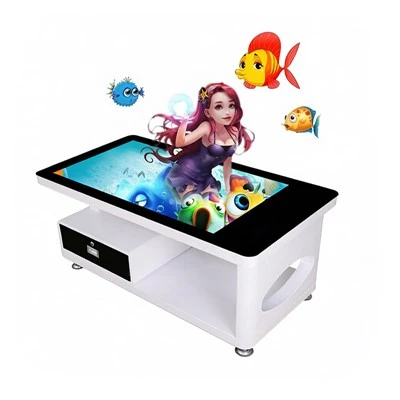
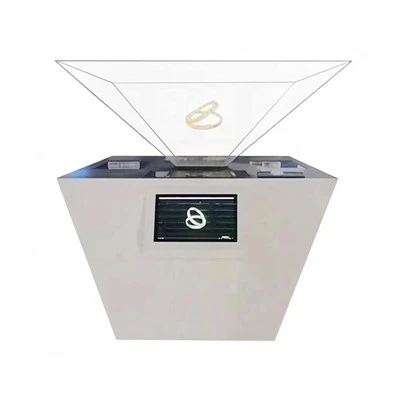
As a leading Commercial LCD Screen supplier, we offer a wide range of products and solutions to meet your specific needs. Whether you're looking for a Digital Signage Window Display, a Standing Digital Screen, a Table Top Advertising Display, or a Standing Digital Display, we have the expertise and experience to help you create a successful digital signage network.
If you're interested in learning more about our products and services or would like to discuss your specific requirements, please don't hesitate to contact us. We look forward to working with you to achieve your business goals.